PhotographyPhotographyEquipmentTutorials
How to Use a Cyclorama for Professional Portraits
The Creative Yard Team
••6 min readHow to Use a Cyclorama for Professional Portraits
A cyclorama (cyc wall) is one of the most versatile tools in a professional photography studio. This seamless curved wall eliminates corners and edges, creating infinite-looking backgrounds perfect for portraits, fashion, and commercial work.
What is a Cyclorama?
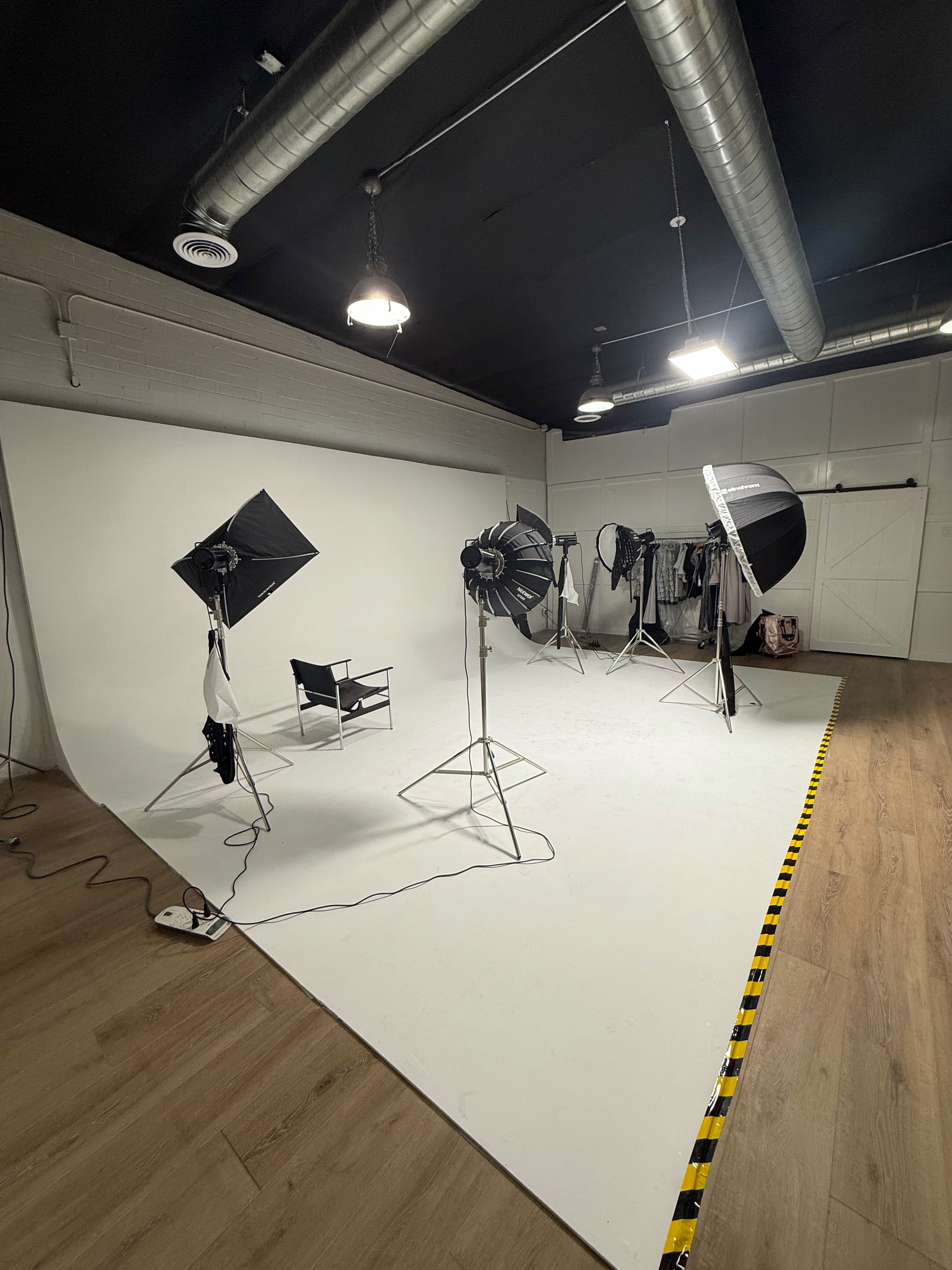
A cyclorama is a curved wall that transitions from floor to wall without any visible corner. This creates a seamless background that can appear infinite when lit correctly.
Lighting Your Cyclorama
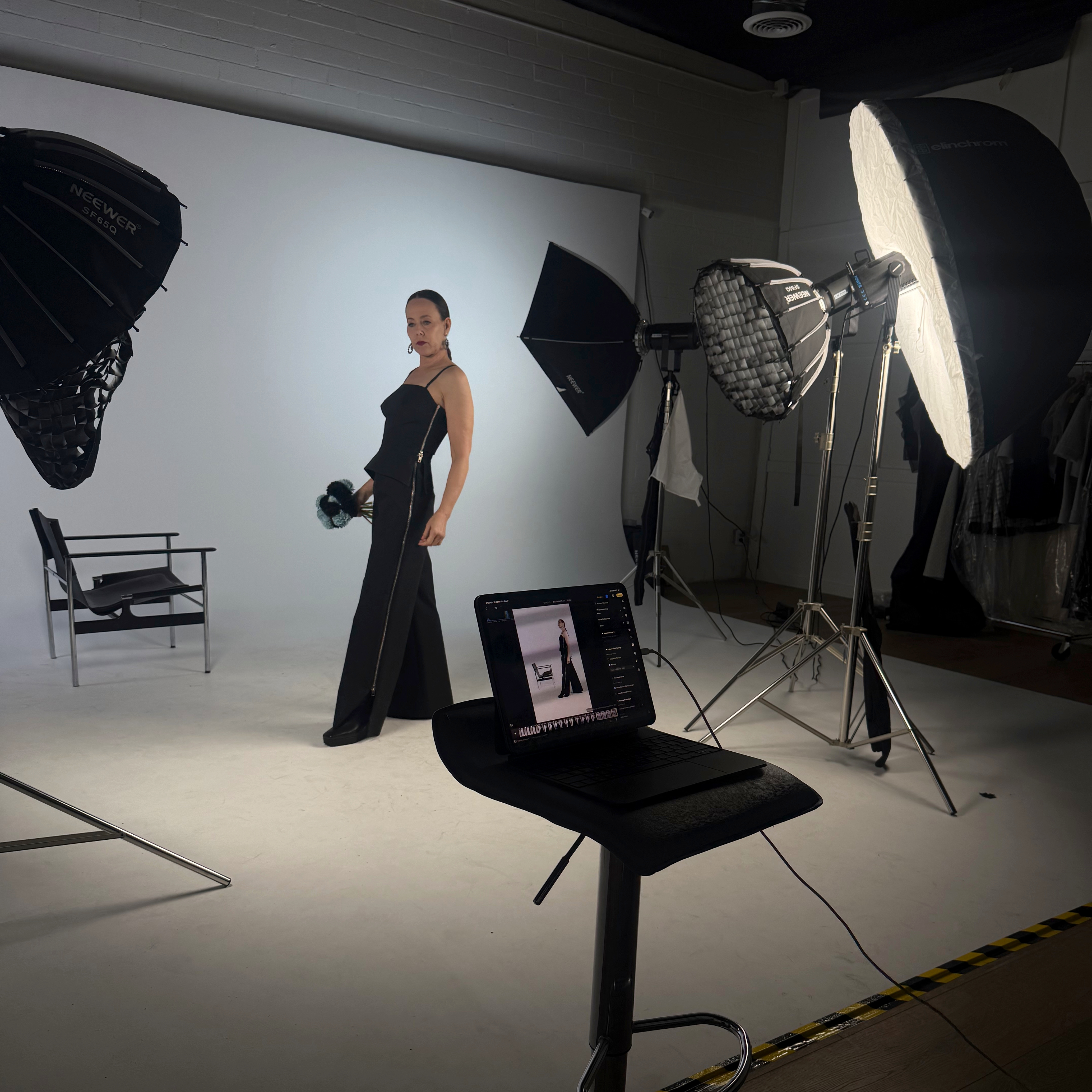
The key to a great cyclorama shot is separate lighting for the background and subject:
Background Lighting
- Use two lights on either side of the cyc
- Create a gradient from light to dark
- This adds depth and dimension
- Prevents the background from looking flat
Subject Lighting
- Light your subject independently
- Use a key light for the main illumination
- Add fill light to soften shadows
- Consider a hair light for separation
Positioning Your Subject
- Place subject 3-6 feet from the cyc, our cyc wall is 25 feet wide with a depth of 14 feet.
- This prevents shadows on the background
- Allows for better background lighting control
- Gives you room to move around
Camera Settings
- Use a medium aperture (f/5.6 to f/8) for sharpness
- Keep ISO low (100-400) for clean images
- Adjust shutter speed based on your lighting setup
Common Mistakes to Avoid
- Lighting the subject and background together - Always light separately
- Placing subject too close - Creates unwanted shadows
- Over-lighting the background - Can wash out your subject
- Not cleaning the cyc - Dust and marks show up in photos
Creative Techniques
- Color Gradients: Use colored gels on background lights
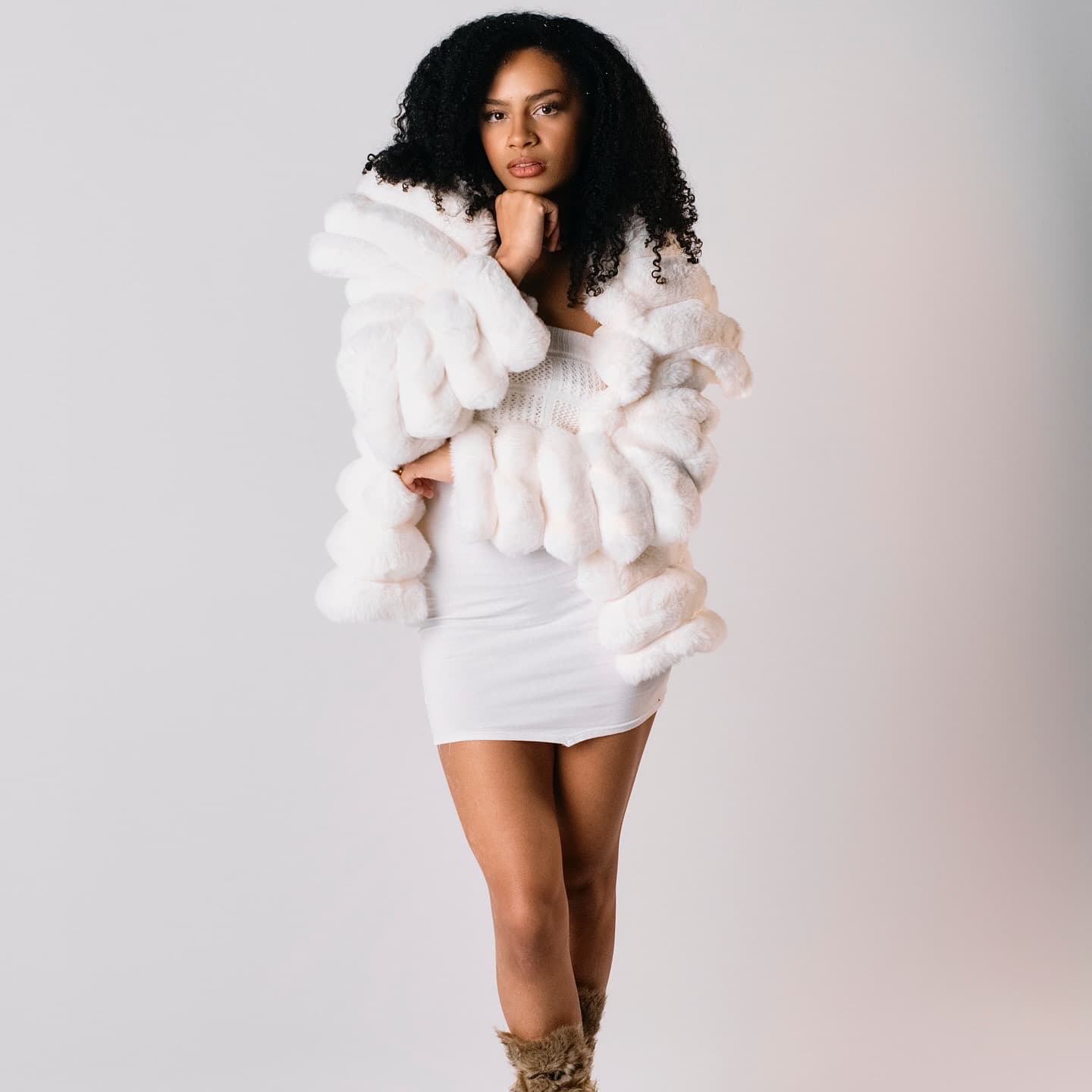
- High Key: Bright, airy look with white background
- Low Key: Dark, dramatic look with minimal background light
- Split Lighting: Light one side, dark on the other
Post-Processing Tips
- Clean up any imperfections in the cyc
- Enhance the gradient if needed
- Adjust contrast to make the background pop
- Use masks to fine-tune background lighting
Ready to try cyclorama photography? Book a session at The Creative Yard Arizona and experience our professional cyclorama setup.